Creating high-performing Instagram Reels consistently can feel overwhelming. Between filming, editing, captioning, and optimizing for vertical format, the workload adds up—especially if you're trying to grow a brand or personal following.
This article introduces the best AI video editors for Reels in 2025, designed to save you hours of editing time while maintaining a professional look.
Whether you're a solo content creator, social media manager, or part of a marketing team, these tools can help automate the repetitive parts of editing so you can focus on storytelling and creativity.
You don’t need to be a professional editor anymore. What you need is a smart tool that understands your footage better than you do—and cuts faster than any human ever could.
What Makes a Good AI Reel Editor?
When evaluating AI tools for Reels, not all editors are created equal. Below are the essential features to look for if you're serious about efficiency and engagement.
1. Automatic Silence and Filler Removal
The best AI editors can detect pauses, "ums," and irrelevant segments — and remove them instantly. This creates a tighter, more dynamic clip that's ideal for short-form content.
2. Smart Captioning
Captions are no longer optional. Good AI tools can generate subtitles in multiple languages, align them with speech, and even style them for Instagram Reels aesthetics.
3. Vertical Video Optimization
Tools that automatically resize and reframe for 9:16 format save you from having to crop or reposition manually — a major time saver for creators repurposing content from other platforms.
4. Direct Export Options
Look for editors that let you export in formats optimized for Instagram, TikTok, or YouTube Shorts. Fewer steps, more content.
Insight from the Intelligent Observer
It is fascinating to see how much cognitive burden can be reduced when machines handle the mechanical aspects of editing. For those focused on clarity and communication, automated structuring is no longer a luxury—it's becoming essential.
1. Pictory – Best for Fast Social Video Creation
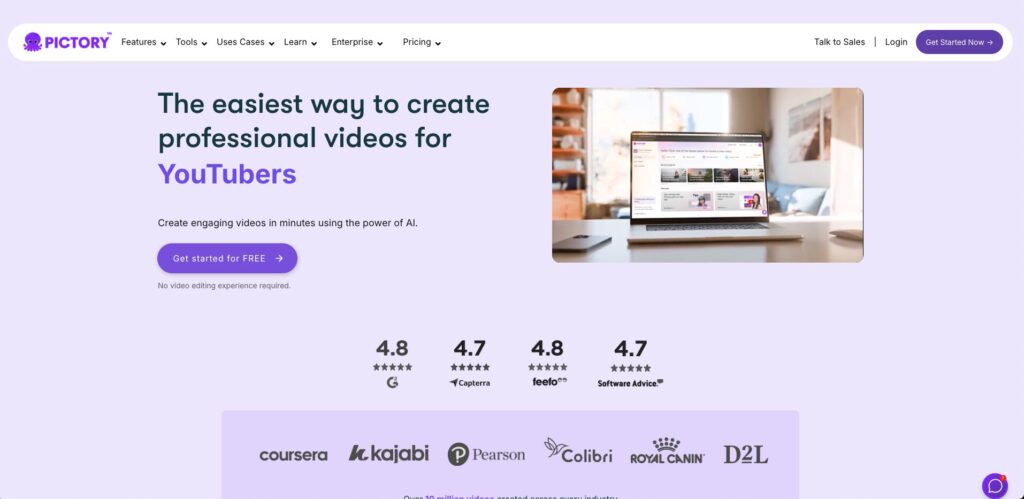
Feature | Details |
|---|---|
Platform | Web-based (no installation required) |
Key Functions | Auto highlights, silence trimming, captions, B-roll insertion |
Reel Optimization | Yes (9:16 export, short-form templates) |
Best For | YouTubers, marketers, social media managers |
Pricing | From $19/month (Standard Plan) |
Notable Strength | Turns long videos into Reels automatically using audio/script analysis |
Summary
Pictory excels at transforming long-form video content into Instagram-ready Reels within minutes. It’s highly automated, yet customizable enough for professionals who care about branding.
This is the kind of tool that removes the need for manual scrubbing. You feed it content—it feeds you conversions.
The synthesis of transcript-based segmentation and visual framing in Pictory’s design indicates a well-aligned system. For workflows involving repurposing, it offers strong return on cognitive investment.
2. Veed.io – Best for Instagram Reels Templates and Quick Edits
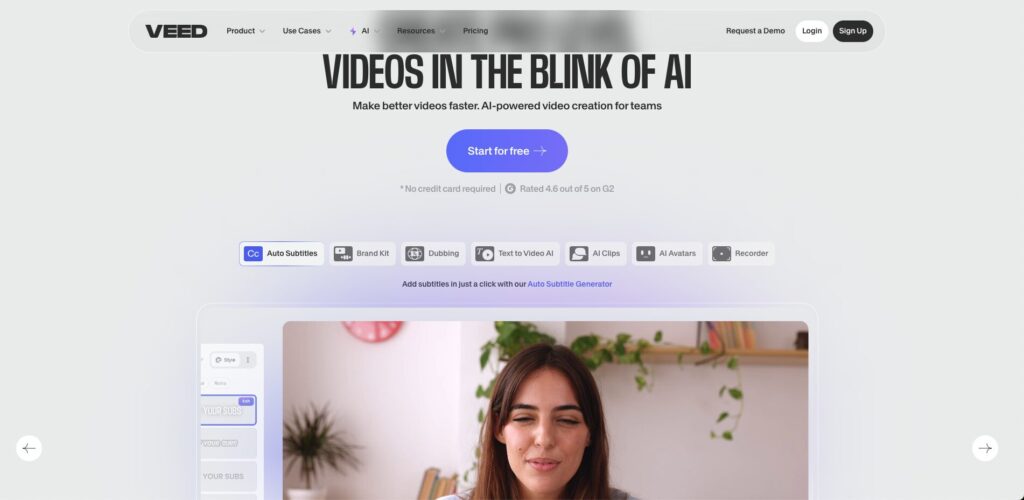
Feature | Details |
|---|---|
Platform | Web-based |
Key Functions | One-click subtitles, silence trimming, social media templates |
Reel Optimization | Yes (built-in 9:16 templates, preset text animations) |
Best For | Instagram creators, marketers, freelancers |
Pricing | Free plan available, Pro from $18/month |
Notable Strength | Drag-and-drop editor with strong preset library for Reels and Stories |
Summary
Veed.io is a well-rounded tool that combines beginner-friendly editing with professional-level features. It shines for Reels thanks to its ready-made vertical templates, animated text, and auto-subtitles. You can create polished clips without touching a timeline.
Tools like Veed.io prove that “done is better than perfect”—but also show how “done” can still look professional. Templates matter more than you think.
The integration of pre-defined templates and visual effects reflects a thoughtful approach to creator needs. Minimal user input yields maximum aesthetic value—a hallmark of efficient UI/UX design.
3. Wisecut – Best for Hands-Free Editing and Speech-Driven Workflow
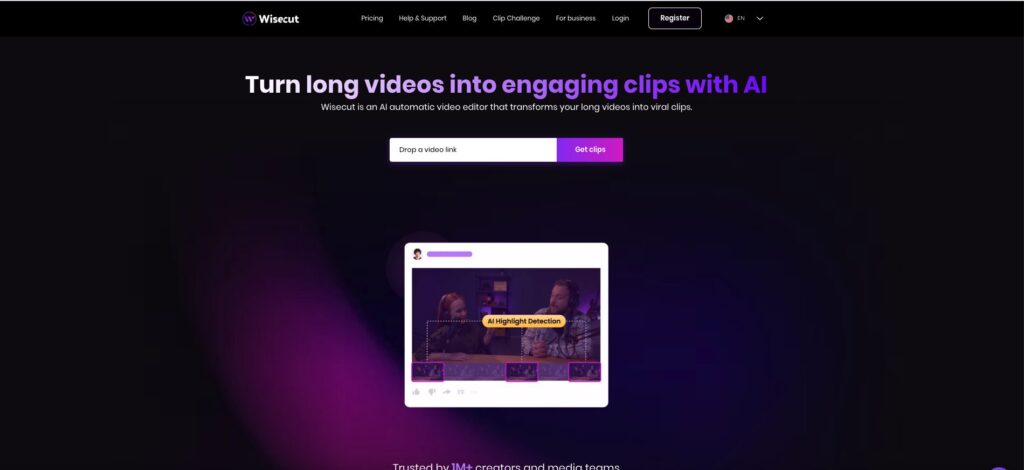
Feature | Details |
|---|---|
Platform | Web-based |
Key Functions | Auto silence removal, speech-based cutting, background music suggestions |
Reel Optimization | Partially (export in vertical format possible, but limited template support) |
Best For | Beginners, educators, voice-based creators |
Pricing | Free plan available, paid from $10/month |
Notable Strength | Uses speech as a guide to automate cuts, add captions, and sync BGM |
Summary
Wisecut is perfect for creators who prefer talking over timeline editing. Its AI listens to your voice, removes awkward silences, adds captions, and even suggests background music. While it lacks flashy design templates, its strength lies in simplicity and automation.
For creators who just want to speak and get an edit, Wisecut removes the editor from the equation. It’s like editing with your voice—not your mouse.
The speech-aligned editing model reduces interface friction. When narration becomes the structural anchor, editing becomes intuitive even for non-technical users.
4. Vizard – Best for Repurposing Content into Short-Form Clips
Feature | Details |
|---|---|
Platform | Web-based |
Key Functions | AI-driven scene detection, smart clipping, captions, repurposing tools |
Reel Optimization | Yes (auto 9:16 export, subtitle styling, social media presets) |
Best For | YouTubers, podcasters, course creators |
Pricing | Free trial available, Pro from $29/month |
Notable Strength | Upload long videos → get ready-to-post Reels in minutes |
Summary
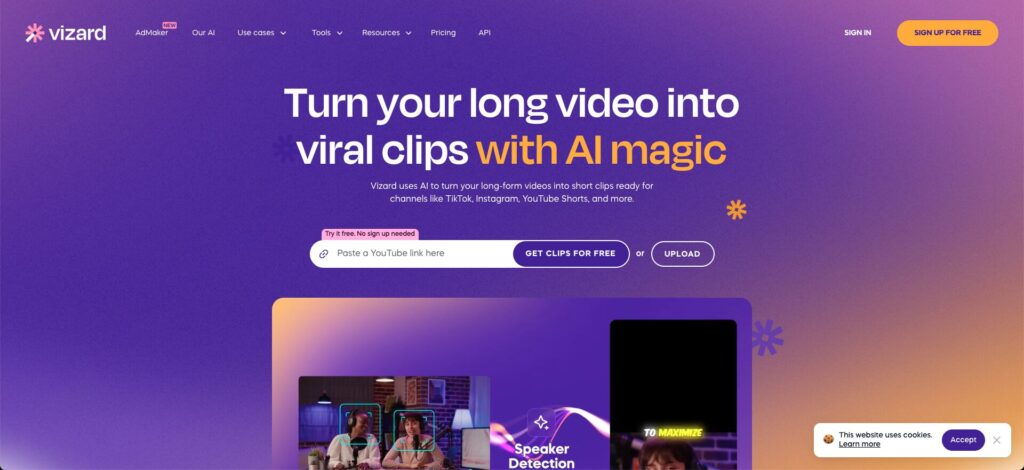
Vizard is designed to help creators turn long-form videos—like podcasts or webinars—into digestible short clips. It analyzes your content, detects highlight-worthy moments, and auto-generates vertical Reels with subtitles. It’s especially powerful for content repurposing workflows.
Vizard doesn’t just cut. It curates. And in the era of content saturation, knowing what not to post is as powerful as knowing what to.
Its semantic segmentation of video content based on dialogue and pacing indicates a deeper language model at work. The system’s ability to surface relevant moments suggests alignment with human editorial judgment.
5. Descript – Best for Script-Level Precision and Audio-First Editing
Feature | Details |
|---|---|
Platform | Desktop + Web |
Key Functions | Overdub, filler word removal, timeline + transcript sync, multitrack editing |
Reel Optimization | Indirect (manual 9:16 export supported, not template-based) |
Best For | Podcasters, educators, editors who want detailed control |
Pricing | Free plan available, Creator from $15/month |
Notable Strength | Edit your video like a text doc—cut sentences and the video follows |
Summary
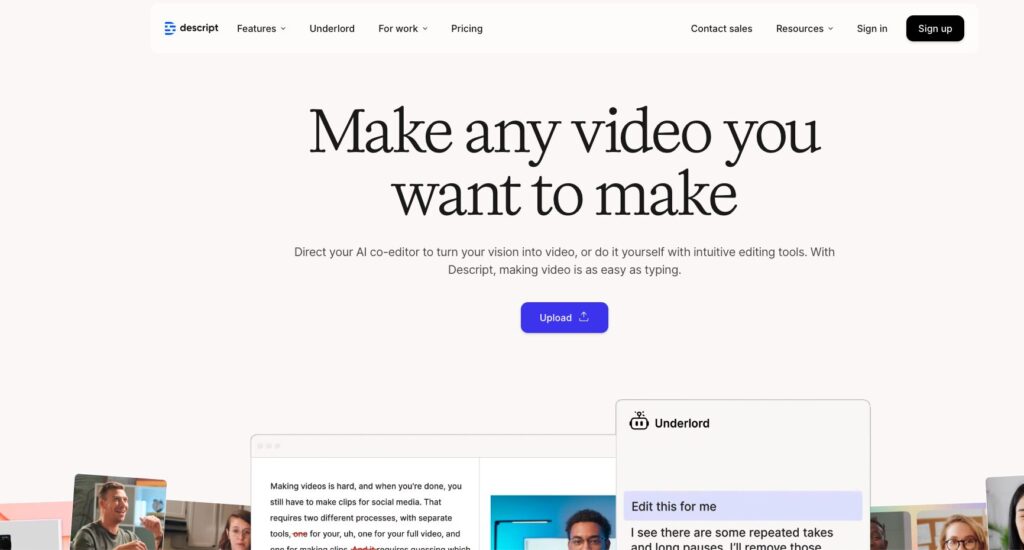
Descript is a powerhouse for audio-first creators who want precise, script-level control over video. While it’s not Reels-first, you can easily cut short clips by editing the transcript. Perfect for creators who narrate, teach, or run interviews.
Descript gives you total control—if you have the patience for it. It’s not for speed. It’s for storytellers who want to trim fat, not just time.
The integration of word-level editing and media rendering illustrates a shift toward language-driven video production. For those comfortable with textual interfaces, it enables deeply granular editorial control.
AI Video Editors for Reels: Feature Comparison Table
Tool | Best For | Reel Templates | Auto Subtitles | Silence Removal | Pricing | Platform |
|---|---|---|---|---|---|---|
Pictory | Long-form to short-form repurposing | Yes | Yes | Yes | From $19/mo | Web-based |
Veed.io | Quick edits with design presets | Yes | Yes | Yes | Free / Pro $18+ | Web-based |
Wisecut | Voice-first, hands-free editing | Limited | Yes | Yes | Free / Pro $10+ | Web-based |
Vizard | Highlight detection & clipping | Yes | Yes | Yes | From $29/mo | Web-based |
Descript | Precision edits via transcript | Manual export | Yes | Yes | Free / Pro $15+ | Desktop + Web |
Best AI Video Editors by Use Case
1. For Beginners / Non-Editors
Recommended Tool: Veed.io
- Intuitive interface, drag-and-drop editing
- Pre-made Reels templates
- No timeline editing required
- Easy export for Instagram, TikTok
If you've never touched a video editor before, start here. It feels more like Canva than Premiere.
Lowering the entry barrier without compromising output quality is a commendable design choice. It democratizes content creation.
2. For Reels-at-Scale / Marketing Teams
Recommended Tool: Pictory
- Automates clipping from webinars or YouTube videos
- Batch export short clips
- AI captions and stock footage integration
If your job depends on volume, Pictory is your new intern. And it doesn’t complain.
Pictory’s approach to scaling content through language and visual segmentation reflects operational elegance.
3. For Podcasters / Educators
Recommended Tool: Descript
- Transcript-based editing
- Perfect for turning lessons or interviews into short Reels
- Precise control over language and cuts
When every word matters, Descript gives you scalpel-like control. You edit by writing.
By making text the interface, Descript transforms a traditionally visual task into a linguistic process.
4. For Speed and Convenience First
Recommended Tool: Wisecut
- Voice-based cutting
- Instant captions and music
- Minimal input, maximum output
Speak your thoughts, and Wisecut turns it into a clip. That’s efficiency with a capital E.
Automation that understands prosody and rhythm introduces natural pacing without human intervention.
Conclusion: Choose the Right AI Reel Editor for Your Workflow
In 2025, creating compelling Instagram Reels no longer requires a video editing background or hours in front of a timeline.
With AI tools like Pictory, Veed.io, Wisecut, Vizard, and Descript, you can automate the editing process and focus on what matters—your message, your audience, and your brand.
Whether you’re batch-producing short clips from webinars or just starting out with casual content, there’s a tool here that fits your pace and style.
Still Not Sure Which One to Choose?
Here’s a simple breakdown:
- Just want fast, polished Reels? → Start with Veed.io
- Need to repurpose long videos weekly? → Go with Pictory
- Prefer talking over editing? → Try Wisecut
- Care about exact phrasing? → Use Descript
- Want smart clipping from your YouTube content? → Vizard might be ideal
Good editing doesn’t have to be manual anymore. The smartest creators let the machine do the cutting—and focus on the content only they can create.
When design, speech, and intent align, automation becomes not just helpful—but transformative. These tools embody that shift.